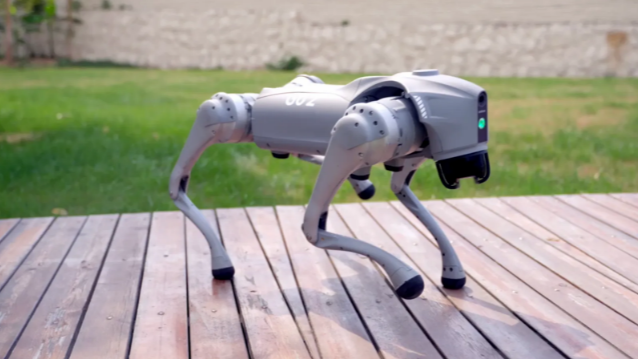
Lesson 2: Connecting to Your Robot's Brain
Welcome to your second lesson in advanced robotics! Now that you've learned about the Go2's features and mastered basic controls, it's time to connect directly to the robot's onboard computer. You'll learn how to use SSH to access the robot's brain and begin programming it through the command line.
Learning Objectives
In this lesson, you will:
- Learn about SSH connections and networking:
- Understanding IP addresses and subnet masks
- Setting up direct Ethernet connections
- Configuring network settings on Windows and macOS
- Establishing secure SSH connections to the robot
- Master essential Linux command line skills:
- Navigating the file system with ,
ls, andcdpwd - Creating and editing files with the editor
nano - Running Python scripts on the robot's computer
- Understanding the Linux environment
- Navigating the file system with
- Create your first robot programs:
- Writing simple Python scripts on the robot
- Using the Unitree SDK to control hardware
- Controlling the robot's headlight brightness
- Understanding basic robotics programming concepts
Note: For this lesson, you will need an ethernet cable and an ethernet-to-USB adapter if your laptop does not have an ethernet port.