Installing Minecraft: Education Edition
Before we start anything, we need to install Minecraft: Education Edition. This is a special version of Minecraft meant for schools that allows you to code in Python, among other things.
- Go to the official download page.
- Click on the download button that matches your operating system.
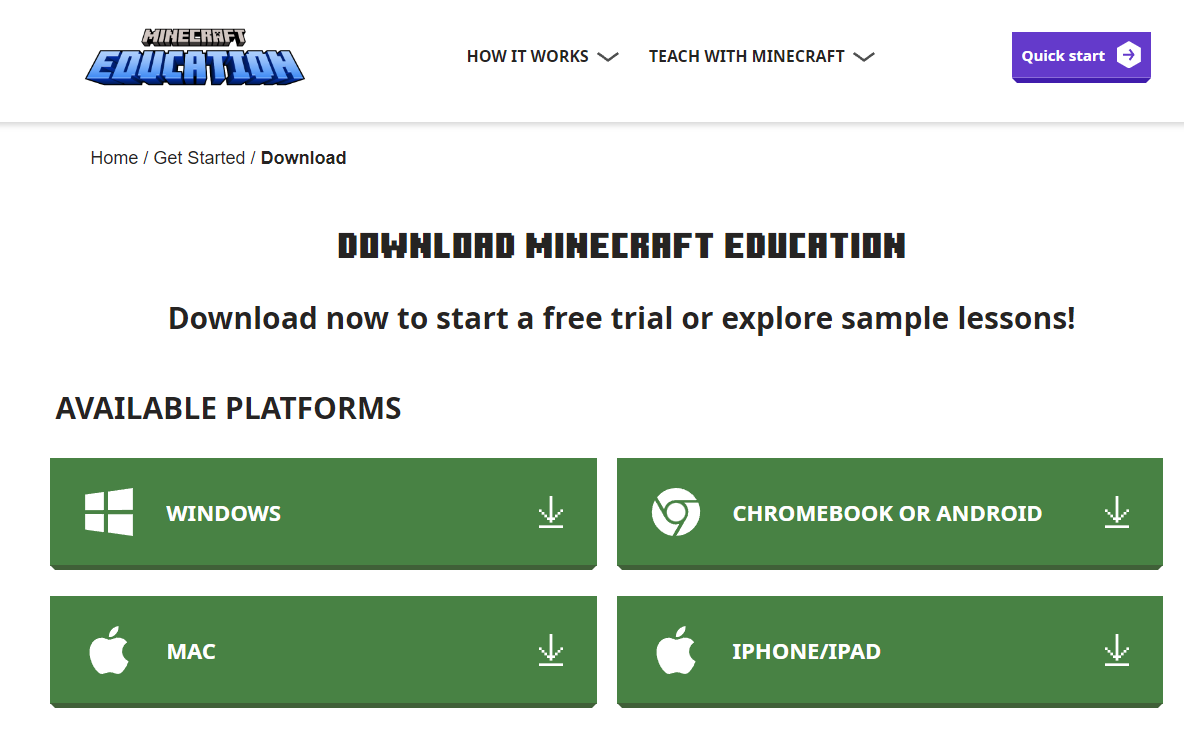
- The installer will begin downloading. When it finishes, run the installer and eventually Minecraft Education Edition will boot up.
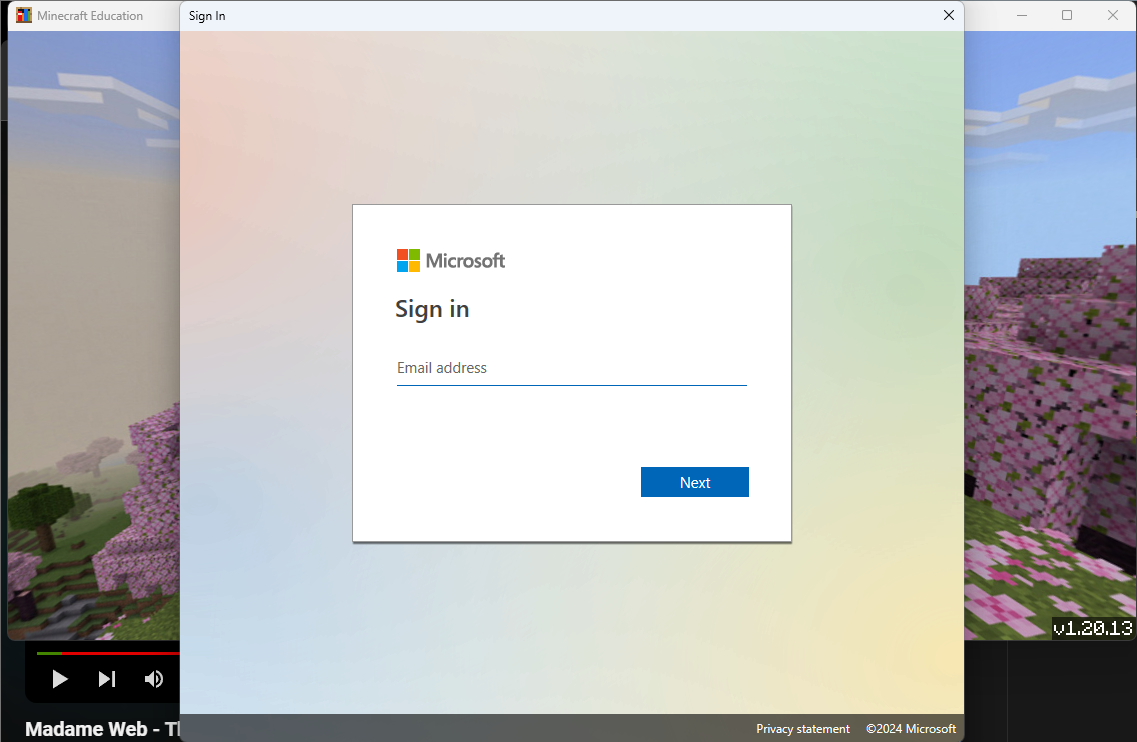
- You will immediately be prompted to sign into a Microsoft account. View the Account Guide to get your login credentials.
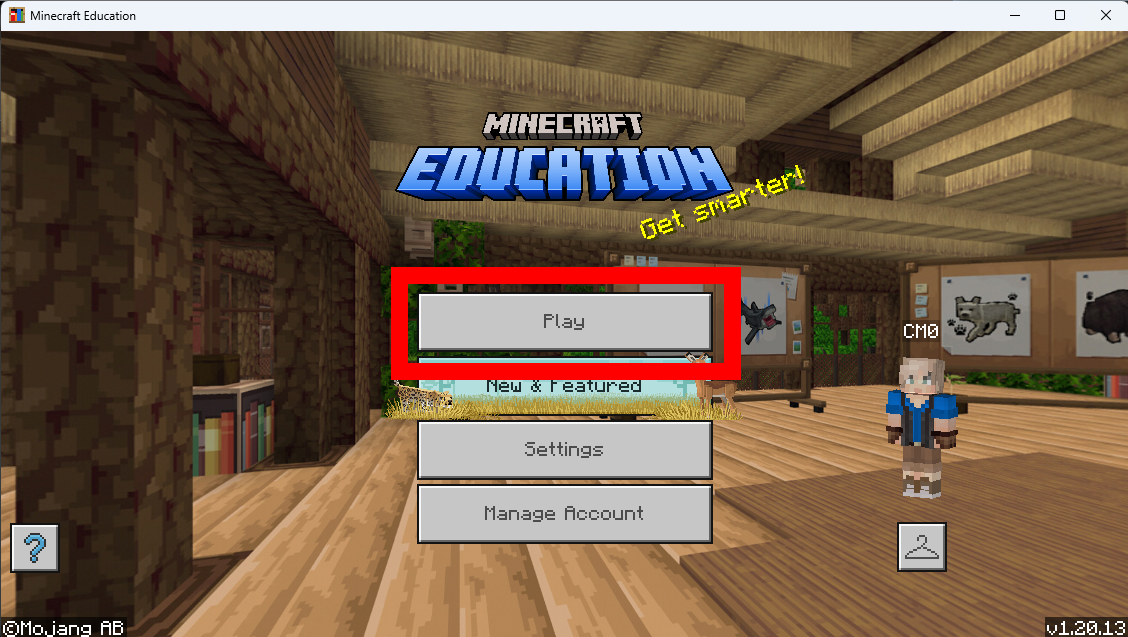
- Once you have signed in, you will be greeted by the title screen. Press "Play."
- You're ready to continue at this point!