Account Setup
We're going to go over how to set up a FlutterFlow account in this short guide.
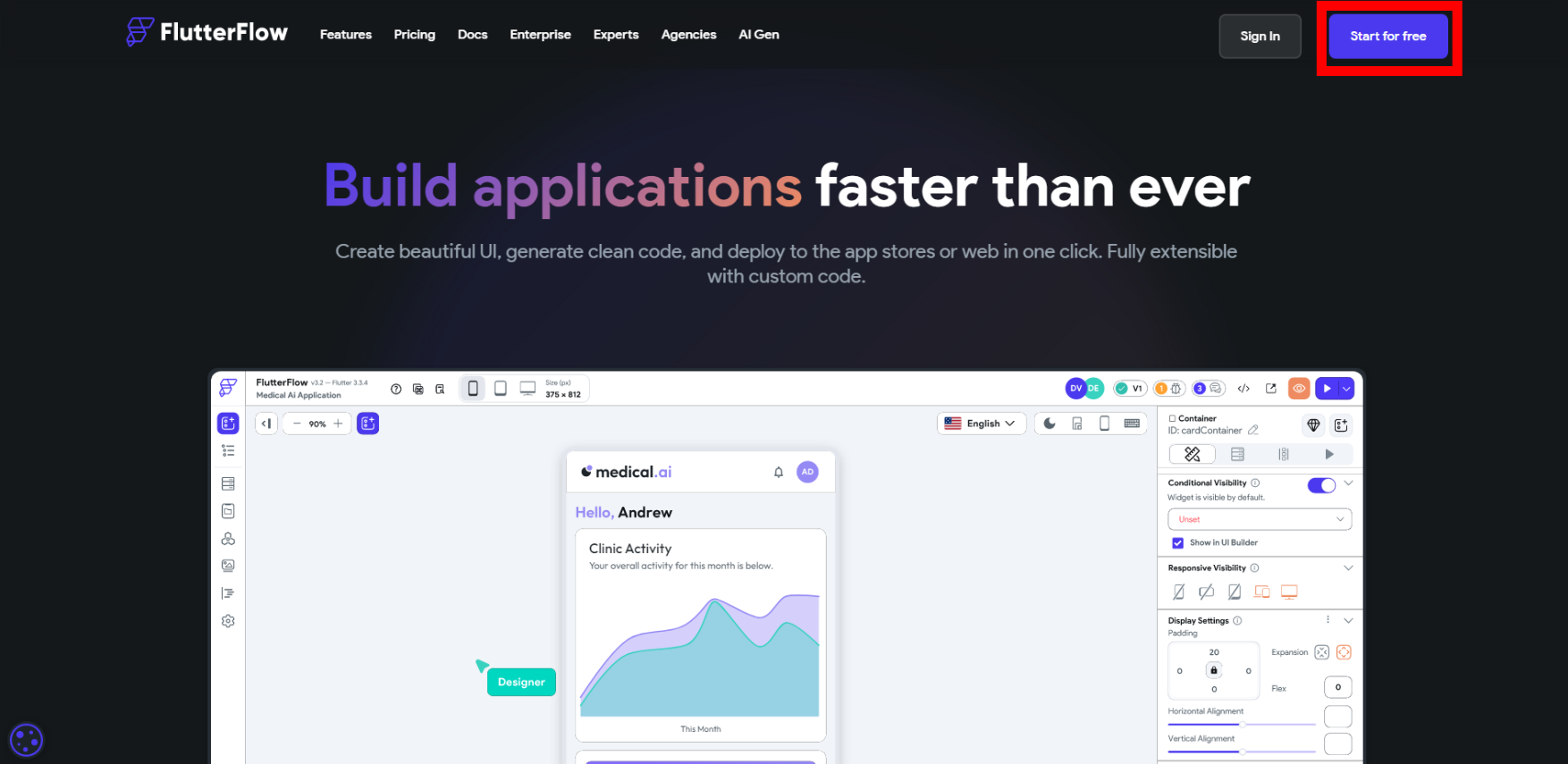
- Got to the FlutterFlow website at https://flutterflow.io/
- Click on the "Start for free" button in the top right corner (in red)
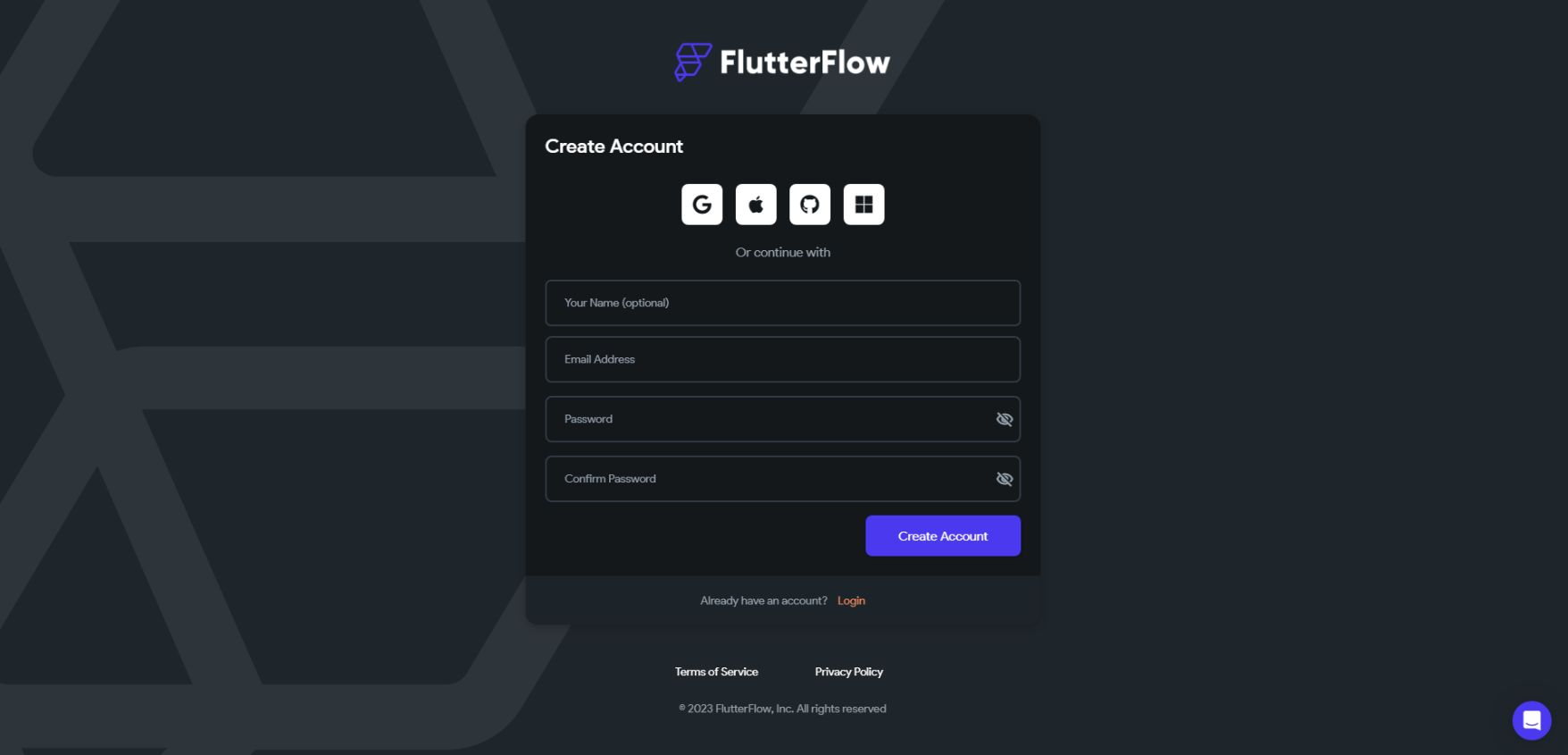
- Fill in the required information.
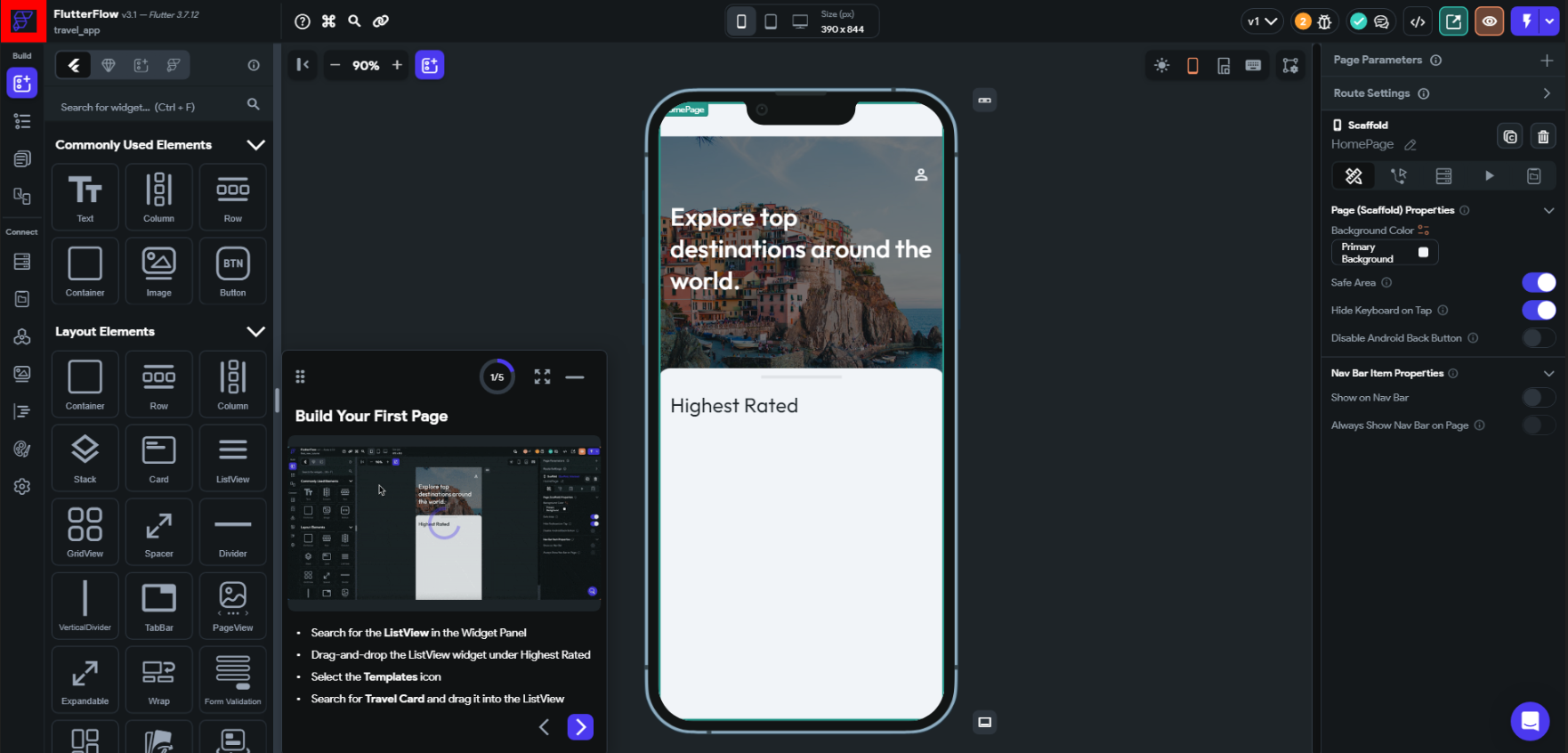
- If the sign up is successful, you'll be redirected immediately to the editor and they would like you to do a tutorial. Press the "Start Tutorial" button (the orange button).
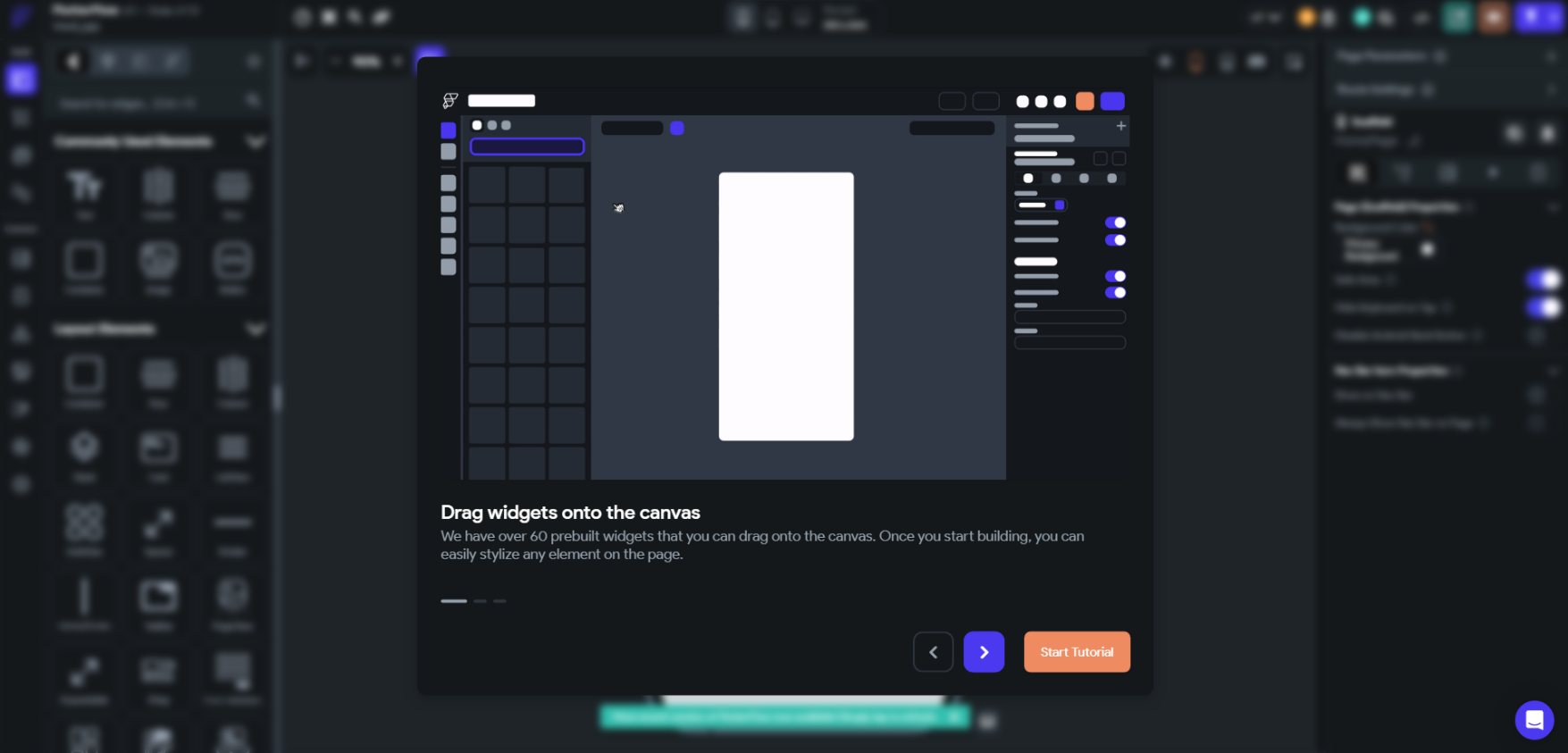
- You don't have to do the tutorial, but you can if you want. To exit the tutorial, click on the logo in the top left hand corner.
- You will have reached the dashboard page. From now on, when you log in, you will view this page first. You are now done with the FlutterFlow setup.